LayoutPage Parameters
LayoutPage parameters allow you to create reusable page templates that can be instantiated multiple times with different values. This is essential for reports that repeat the same layout for different regions, time periods, products, or any other dimension.
When to use parameters
Section titled “When to use parameters”Use LayoutPage parameters when you need to:
- Generate multi-region reports – Same layout, different geographic data
- Create time comparisons – Quarterly, monthly, or yearly breakdowns
- Build product catalogs – Same template, different products
- Produce personalized reports – Customer-specific or department-specific views
- Enable interactive dashboards – Let users select what data to view
Quick start
Section titled “Quick start”1. Define a parameterized LayoutPage
Section titled “1. Define a parameterized LayoutPage”apiVersion: bino.bi/v1alpha1
kind: LayoutPage
metadata:
name: sales-summary
params:
- name: REGION
type: select
required: true
options:
items:
- value: "EU"
label: "Europe"
- value: "US"
label: "North America"
- name: YEAR
type: number
default: "2024"
spec:
titleBusinessUnit: "${REGION} Sales - ${YEAR}"
pageLayout: split-vertical
children:
- kind: Text
spec:
value: "Sales Report for ${REGION}, Year ${YEAR}"
- kind: Table
spec:
dataset: sales-data2. Use it in a ReportArtefact
Section titled “2. Use it in a ReportArtefact”apiVersion: bino.bi/v1alpha1
kind: ReportArtefact
metadata:
name: regional-report
spec:
layoutPages:
- page: sales-summary
params:
REGION: EU
YEAR: "2024"
- page: sales-summary
params:
REGION: US
YEAR: "2024"
filename: regional-report.pdf
title: "Regional Sales Report"3. Build the report
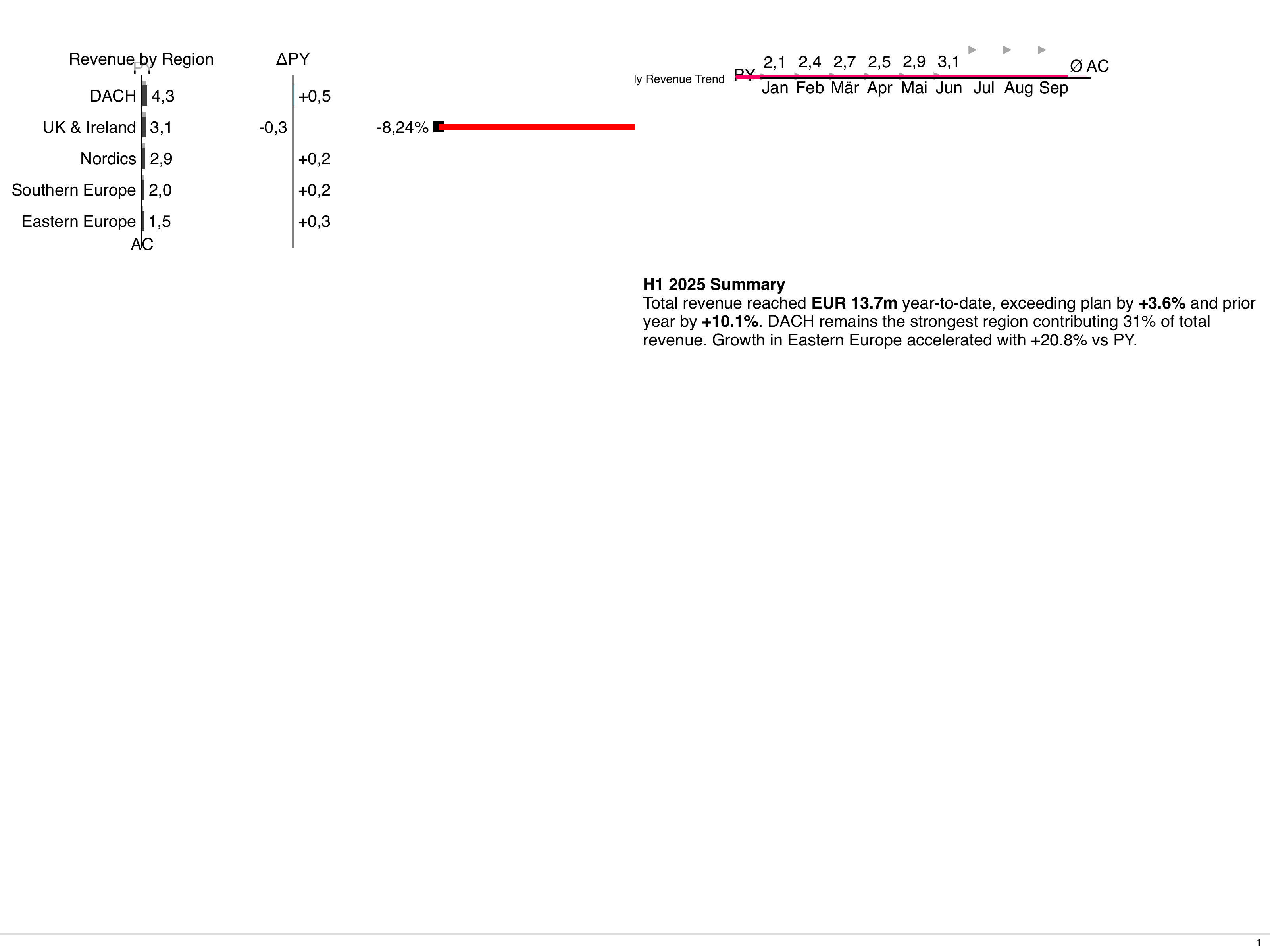
Section titled “3. Build the report”bino build --artefact regional-reportThis generates a PDF with two pages: one for Europe and one for North America.
Parameter definition reference
Section titled “Parameter definition reference”Basic structure
Section titled “Basic structure”metadata:
params:
- name: PARAM_NAME # Required: unique identifier
type: string # Optional: data type (default: string)
description: "..." # Optional: human-readable description
default: "value" # Optional: default if not provided
required: true # Optional: must be provided if no default
options: # Optional: type-specific options
...Parameter types
Section titled “Parameter types”string (default)
Section titled “string (default)”Free-form text value. No validation.
params:
  - name: TITLE
    type: string
    default: "Untitled Report"
number
Section titled “number”Numeric value with optional range validation.
params:
  - name: YEAR
    type: number
    default: "2024"
    options:
      min: 2000
      max: 2030
boolean
Section titled “boolean”True/false value.
params:
  - name: SHOW_DETAILS
    type: boolean
    default: "false"
select
Section titled “select”Choice from predefined options. Each item has a value (the key used in code) and an optional label (the human-readable display name).
params:
  - name: REGION
    type: select
    required: true
    options:
      items:
        - value: "EU"
          label: "Europe"
        - value: "US"
          label: "North America"
        - value: "APAC"
          label: "Asia Pacific"
For select parameters, you can access both the value and the label:
${REGION}– returns the value (e.g.,"EU")${REGION_LABEL}– returns the label (e.g.,"Europe")
If no label is defined, ${REGION_LABEL} returns the value.
Date value in YYYY-MM-DD format.
params:
  - name: REPORT_DATE
    type: date
    default: "2024-01-01"
date_time
Section titled “date_time”Date and time value in ISO 8601 format (e.g. 2024-01-15T14:30:00Z).
params:
  - name: REPORT_TIMESTAMP
    type: date_time
    default: "2024-01-01T00:00:00Z"
Using parameters in your layout
Section titled “Using parameters in your layout”Parameters are referenced using ${PARAM_NAME} syntax anywhere in the spec.
For select type parameters, you can also use ${PARAM_NAME_LABEL} to get the human-readable label instead of the value:
spec:
  # In title fields - use the label for display
  titleBusinessUnit: "Report for ${REGION_LABEL}"

  # In component specs
  children:
    - kind: Text
      spec:
        # Show label to users, use value in queries
        value: "Year: ${YEAR}, Region: ${REGION_LABEL}"

    - kind: Table
      spec:
        dataset: sales-data
        tableTitle: "${REGION_LABEL} Sales"

    - kind: ChartStructure
      spec:
        dataset: regional-data
        chartTitle: "${YEAR} Performance - ${REGION_LABEL}"
The _LABEL suffix is available for any select type parameter with defined options. If the label is not defined for an item, the value is used instead.
Practical examples
Section titled “Practical examples”Multi-region report
Section titled “Multi-region report”Create a single PDF with pages for each region:
---
# pages.yaml
apiVersion: bino.bi/v1alpha1
kind: LayoutPage
metadata:
  name: region-page
  params:
    - name: REGION
      type: select
      required: true
      options:
        items:
          - value: "EMEA"
            label: "Europe, Middle East & Africa"
          - value: "AMERICAS"
            label: "Americas"
          - value: "APAC"
            label: "Asia Pacific"
    - name: CURRENCY
      type: select
      default: "USD"
      options:
        items:
          - value: "USD"
          - value: "EUR"
          - value: "GBP"
spec:
  # Use ${REGION_LABEL} for display, ${REGION} for data filtering
  titleBusinessUnit: "${REGION_LABEL}"
  pageLayout: 2x2
  children:
    - kind: Text
      metadata:
        name: header
      spec:
        value: "${REGION_LABEL} Sales Report"
        style:
          fontSize: 28
          fontWeight: bold
    - kind: ChartStructure
      spec:
        dataset: regional-sales
        chartTitle: "Revenue (${CURRENCY})"
    - kind: Table
      spec:
        dataset: regional-sales
        tableTitle: "Top Products"
        limit: 10
    - kind: ChartTime
      spec:
        dataset: regional-trends
        chartTitle: "12-Month Trend"

---
# report.yaml
apiVersion: bino.bi/v1alpha1
kind: ReportArtefact
metadata:
  name: global-sales-report
spec:
  format: xga
  orientation: landscape
  layoutPages:
    - cover-page
    - page: region-page
      params:
        REGION: EMEA
        CURRENCY: EUR
    - page: region-page
      params:
        REGION: AMERICAS
        CURRENCY: USD
    - page: region-page
      params:
        REGION: APAC
        CURRENCY: USD
    - summary-page
  filename: global-sales.pdf
  title: "Global Sales Report"
Quarterly comparison report
Section titled “Quarterly comparison report”Compare performance across quarters:
---
apiVersion: bino.bi/v1alpha1
kind: LayoutPage
metadata:
  name: quarter-page
  params:
    - name: QUARTER
      type: string
      required: true
    - name: START_DATE
      type: date
      required: true
    - name: END_DATE
      type: date
      required: true
    - name: VS_PRIOR
      type: boolean
      default: "true"
      description: "Show comparison to prior quarter"
spec:
  titleBusinessUnit: "${QUARTER}"
  titleDateStart: ${START_DATE}
  titleDateEnd: ${END_DATE}
  pageLayout: split-horizontal
  children:
    - kind: Text
      spec:
        value: "${QUARTER} Performance Summary"
    - kind: ChartStructure
      spec:
        dataset: quarterly-data
        chartTitle: "Revenue by Category"

---
apiVersion: bino.bi/v1alpha1
kind: ReportArtefact
metadata:
  name: 2024-quarterly-review
spec:
  layoutPages:
    - page: quarter-page
      params:
        QUARTER: "Q1 2024"
        START_DATE: "2024-01-01"
        END_DATE: "2024-03-31"
    - page: quarter-page
      params:
        QUARTER: "Q2 2024"
        START_DATE: "2024-04-01"
        END_DATE: "2024-06-30"
    - page: quarter-page
      params:
        QUARTER: "Q3 2024"
        START_DATE: "2024-07-01"
        END_DATE: "2024-09-30"
    - page: quarter-page
      params:
        QUARTER: "Q4 2024"
        START_DATE: "2024-10-01"
        END_DATE: "2024-12-31"
  filename: quarterly-review-2024.pdf
  title: "2024 Quarterly Review"
Product catalog
Section titled “Product catalog”Generate a catalog with one page per product:
---
apiVersion: bino.bi/v1alpha1
kind: LayoutPage
metadata:
  name: product-sheet
  params:
    - name: PRODUCT_ID
      type: string
      required: true
    - name: PRODUCT_NAME
      type: string
      required: true
    - name: CATEGORY
      type: string
      required: true
spec:
  titleBusinessUnit: "${PRODUCT_NAME}"
  pageLayout: custom-template
  pageCustomTemplate: |
    "header header"
    "image specs"
    "desc desc"
  children:
    - kind: Text
      metadata:
        name: title
      spec:
        value: "${PRODUCT_NAME}"
        style:
          fontSize: 32
    - kind: Text
      metadata:
        name: category
      spec:
        value: "Category: ${CATEGORY}"
    - kind: Table
      spec:
        dataset: product-specs
        tableTitle: "Specifications"

---
apiVersion: bino.bi/v1alpha1
kind: ReportArtefact
metadata:
  name: product-catalog
spec:
  format: a4
  orientation: portrait
  layoutPages:
    - catalog-cover
    - page: product-sheet
      params:
        PRODUCT_ID: "WIDGET-001"
        PRODUCT_NAME: "Premium Widget"
        CATEGORY: "Widgets"
    - page: product-sheet
      params:
        PRODUCT_ID: "GADGET-001"
        PRODUCT_NAME: "Smart Gadget"
        CATEGORY: "Gadgets"
    - page: product-sheet
      params:
        PRODUCT_ID: "GADGET-002"
        PRODUCT_NAME: "Ultra Gadget Pro"
        CATEGORY: "Gadgets"
  filename: product-catalog.pdf
  title: "Product Catalog 2024"
Interactive dashboard with parameters
Section titled “Interactive dashboard with parameters”Create a serve-mode dashboard where users select parameters:
---
apiVersion: bino.bi/v1alpha1
kind: LayoutPage
metadata:
  name: dashboard-page
  params:
    - name: DEPARTMENT
      type: string
      required: true
    - name: YEAR
      type: number
      default: "2024"
    - name: VIEW_MODE
      type: select
      default: "summary"
      options:
        items:
          - value: "summary"
            label: "Summary View"
          - value: "detailed"
            label: "Detailed View"
spec:
  titleBusinessUnit: "${DEPARTMENT} Dashboard"
  pageLayout: 2x2
  children:
    - kind: Text
      spec:
        value: "${DEPARTMENT} - ${YEAR}"
    - kind: ChartStructure
      spec:
        dataset: dept-kpis
        chartTitle: "Key Metrics"

---
apiVersion: bino.bi/v1alpha1
kind: LiveReportArtefact
metadata:
  name: department-explorer
spec:
  title: "Department Explorer"
  routes:
    "/":
      layoutPages:
        - page: dashboard-page
          params:
            DEPARTMENT: ${DEPARTMENT}
            YEAR: ${YEAR}
            VIEW_MODE: ${VIEW_MODE}
      queryParams:
        - name: DEPARTMENT
          type: select
          default: "Sales"
          description: "Select department"
          options:
            items:
              - value: "Sales"
              - value: "Marketing"
              - value: "Engineering"
              - value: "Finance"
        - name: YEAR
          type: number
          default: "2024"
          options:
            min: 2020
            max: 2030
        - name: VIEW_MODE
          type: select
          default: "summary"
          options:
            items:
              - value: "summary"
                label: "Summary"
              - value: "detailed"
                label: "Detailed"
Serve with:
bino serve --live department-explorerUsers can then interactively select department, year, and view mode.
Dynamic parameter values
Section titled “Dynamic parameter values”Parameter values can reference environment variables:
layoutPages:
  - page: sales-summary
    params:
      REGION: ${DEFAULT_REGION}        # From environment
      YEAR: ${REPORT_YEAR:2024}        # With fallback
      MANAGER: ${MANAGER_NAME:Unknown}
This enables:
- CI/CD configuration – Set parameters via environment in pipelines
- Local development – Override values without changing manifests
- Multi-environment – Different values for dev, staging, production
Example usage:
# Set via environment
export DEFAULT_REGION=US
export REPORT_YEAR=2023
bino build --artefact regional-report

# Or inline
DEFAULT_REGION=EU bino build --artefact regional-report
Best practices
Section titled “Best practices”1. Use descriptive names
Section titled “1. Use descriptive names”# Good
params:
- name: FISCAL_YEAR
- name: BUSINESS_UNIT
- name: INCLUDE_FORECAST
# Avoid
params:
- name: Y
- name: BU
- name: FC2. Provide sensible defaults
Section titled “2. Provide sensible defaults”params:
- name: YEAR
type: number
default: "2024" # Most common value
- name: SHOW_DETAILS
type: boolean
default: "false" # Simpler default view3. Document your parameters
Section titled “3. Document your parameters”params:
- name: CONSOLIDATION_LEVEL
type: select
description: "Level of data consolidation for the report"
options:
items:
- value: "legal_entity"
label: "Legal Entity Level"
- value: "management"
label: "Management Reporting Level"
- value: "statutory"
label: "Statutory Reporting Level"4. Validate with appropriate types
Section titled “4. Validate with appropriate types”# Use number for numeric values
- name: YEAR
type: number
options:
min: 2000
max: 2100
# Use select for constrained choices
- name: CURRENCY
type: select
options:
items:
- value: "USD"
- value: "EUR"
- value: "GBP"
# Use date for dates
- name: PERIOD_END
type: date
# Use date_time for timestamps
- name: CUTOFF_TIME
type: date_time5. Keep parameter lists focused
Section titled “5. Keep parameter lists focused”If you need many parameters, consider:
- Breaking the layout into smaller, focused pages
- Using nested components with their own parameter logic
- Grouping related parameters
# Consider splitting this:
params:
  - name: REGION
  - name: COUNTRY
  - name: CITY
  - name: YEAR
  - name: QUARTER
  - name: PRODUCT_LINE
  - name: PRODUCT_CATEGORY
  - name: CURRENCY
  - name: SHOW_YTD
  - name: SHOW_FORECAST
  - name: SHOW_VARIANCE

# Into focused pages:
# geographic-page: REGION, COUNTRY, CITY
# time-page: YEAR, QUARTER, SHOW_YTD
# product-page: PRODUCT_LINE, PRODUCT_CATEGORY
Troubleshooting
Section titled “Troubleshooting”Parameter not substituting
Section titled “Parameter not substituting”Symptom: ${PARAM} appears literally in the output instead of the value.
Causes:
- Parameter name mismatch (case-sensitive)
- Parameter not passed in the ReportArtefact
- Typo in parameter name
Solution: Verify the parameter name matches exactly in both the LayoutPage definition and the ReportArtefact usage.
Missing required parameter
Section titled “Missing required parameter”Symptom: Error about missing required parameter.
Solution: Either provide the parameter in the ReportArtefact or add a default value:
# Option 1: Provide in ReportArtefact
- page: my-page
  params:
    REQUIRED_PARAM: "value"

# Option 2: Add default in LayoutPage
params:
  - name: REQUIRED_PARAM
    default: "default-value"
Parameters not visible in preview
Section titled “Parameters not visible in preview”Symptom: Parameters work in build but not in preview.
Cause: Preview renders all LayoutPages without params.
Solution: Use bino serve --live with a LiveReportArtefact for interactive parameter testing.
Related topics
Section titled “Related topics”- LayoutPage reference – Complete LayoutPage documentation
- ReportArtefact reference – Using params in report artefacts
- LiveReportArtefact reference – Interactive dashboards with params
- Constraints and Scoped Names – Filtering pages by context