Using CSV and Excel data
This guide walks through using CSV and Excel files as datasources. You will create a datasource, a dataset, and a simple layout that displays the data.
1. CSV datasource
Section titled “1. CSV datasource”Create a datasource for a CSV file under data/sales.csv:
- Place
sales.csvrelative to the manifest or adjustpathaccordingly. - Use a glob (for example
./data/sales_*.csv) to read multiple files.
CSV reader options
Section titled “CSV reader options”If your CSV uses a non-standard format (for example European number formatting or a
different delimiter), add reader options to spec:
See DataSource reference - CSV reader options for the full list of options.
2. Excel datasource
Section titled “2. Excel datasource”For Excel, use type: excel and point to the file:
Depending on your query engine setup, you may use additional options (sheet, range) via the underlying Excel support.
3. Dataset over CSV/Excel
Section titled “3. Dataset over CSV/Excel”Define a dataset that aggregates sales by region:
4. Simple layout with table and chart
Section titled “4. Simple layout with table and chart”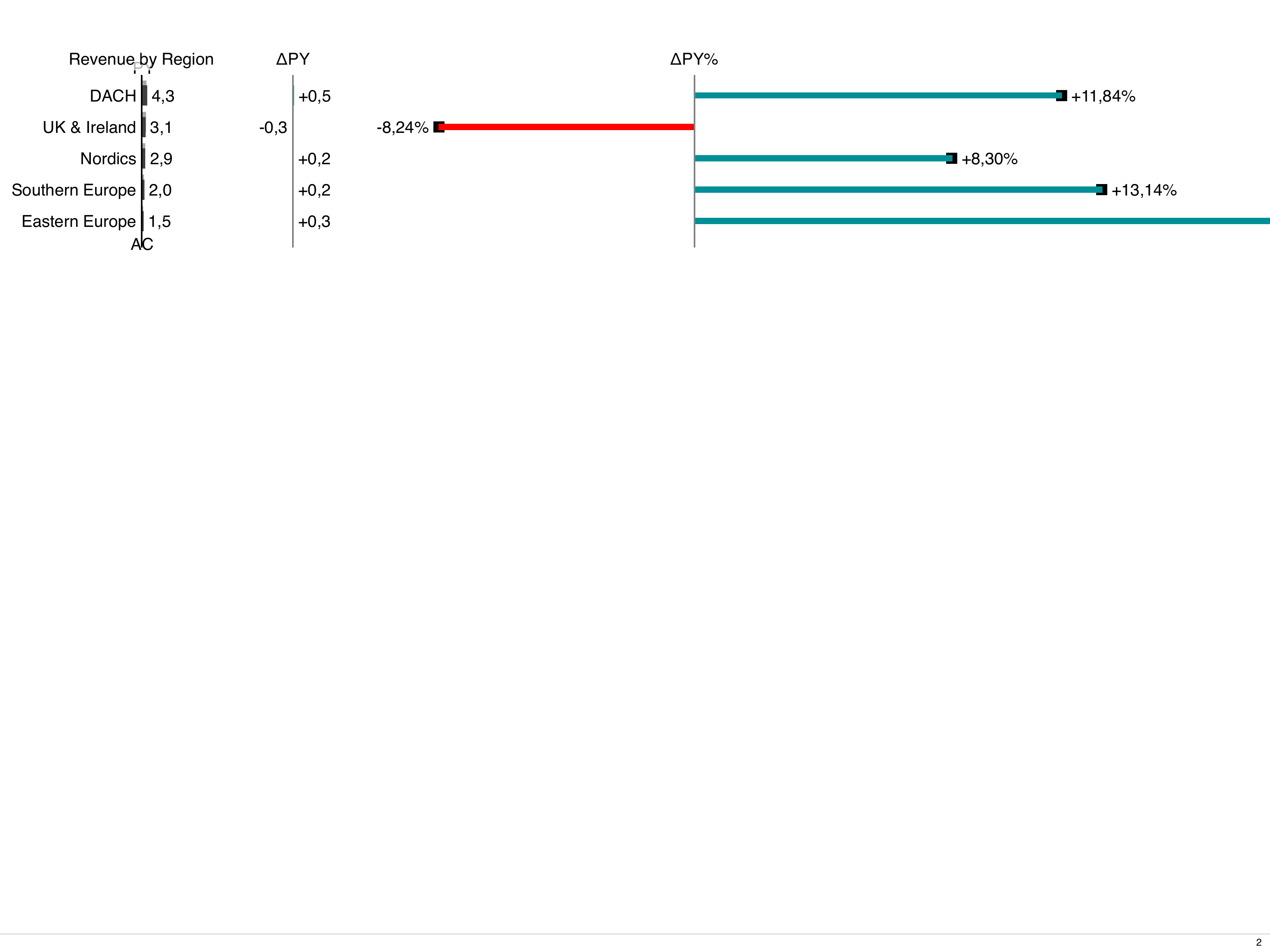
5. Run preview and build
Section titled “5. Run preview and build”From the workdir:
Once the result looks good, build the PDF: