LayoutCard
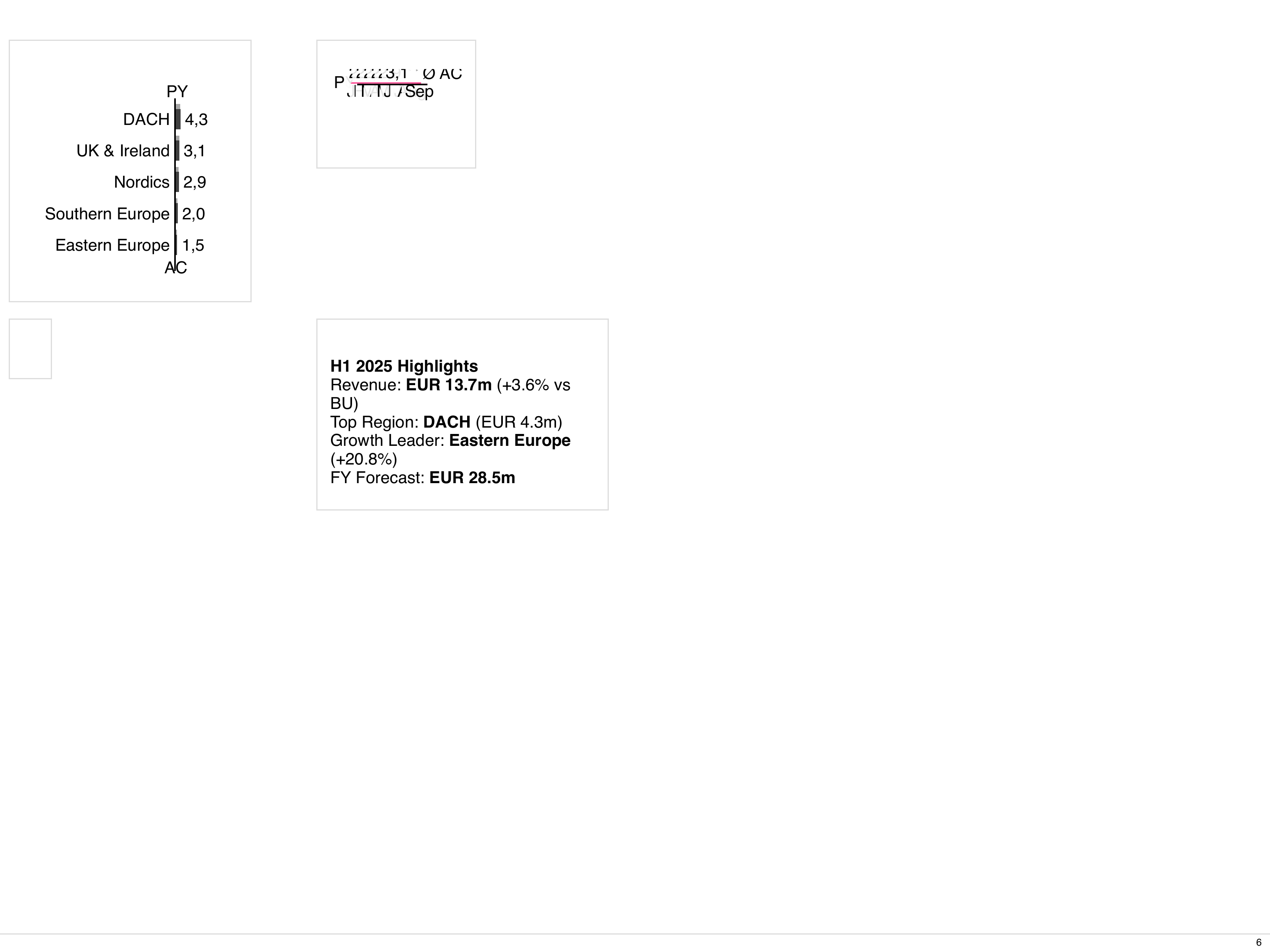
LayoutCard manifests describe card-shaped containers that can host charts, tables, and text.
They are useful for dashboards and reusable widgets.
Minimal definition
Section titled “Minimal definition”This is the smallest well-formed LayoutCard: the document envelope plus the
fields a usable card sets in practice - a header label and at least one child
component.
A child is either defined inline with spec, as above, or points at a
standalone document with ref - see Referencing standalone cards
and Optional references. All attributes are listed in
the Attribute Reference below.
Important fields mirror LayoutPage but are scoped to a card:
- Header:
titleImage,titleBusinessUnit,titleScenarios,titleVariances,titleOrder,titleOrderDirection,titleMeasures,titleDateStart,titleDateEnd,titleDateFormat,titleDateLink,titleNamespace,i18nNamespace(which takes precedence over the deprecatedtitleNamespace). The date fields accept both date (2024-01-01) and datetime (2024-01-01T14:30:00Z) values.titleBusinessUnitsupports inline Markdown and inline HTML, including<br />for an explicit line break - see LayoutPage. - Footer:
footerText(plain text). - Layout:
cardLayout,cardCustomTemplate,cardGridGap,cardFitToContent,cardShowBorder. - Styling:
selectedStyle- optional name of aComponentStyleto apply to the card frame; merged over the_systemand_defaultstyles. Requires a template engine release that forwardsselected-styleto the inner card element. - IBCS rules:
ruleset- optional name of aRuleSetapplied to the card title; also acceptsinherited-pageto reuse the surrounding page’s rule set. Child components inherit it viaruleset: inherited-closest. - Content:
children- array oflayoutChildobjects. A standalone LayoutCard document may leave it empty or omitted while scaffolding (thecard-layout-slots-usedlint rule warns when a used card does not fill its layout slots); a card defined inline as a child still requires at least one entry.
Card inside a page
Section titled “Card inside a page”Use cards to keep layout definitions modular and to reuse card patterns across multiple reports.
Referencing standalone cards
Section titled “Referencing standalone cards”You can define LayoutCard as a standalone document and reference it from a LayoutPage using ref. This enables card reuse across multiple pages.
See the LayoutPage reference for more details on ref syntax and override behavior.
Optional references
Section titled “Optional references”LayoutCard children support the same optional field as LayoutPage children. Use it for references that may legitimately be missing:
See the LayoutPage optional references section for details on when to use this field.
Inline child constraints
Section titled “Inline child constraints”LayoutCard children support metadata.constraints just like LayoutPage. Use constraints to conditionally include components based on the artefact’s context.
For the full constraint syntax and operators, see Inline child constraints and Constraints and Scoped Names.
Inherited props
Section titled “Inherited props”Card inherits from page
Section titled “Card inherits from page”A LayoutCard can inherit titleScenarios, titleVariances, titleOrder, and titleOrderDirection from its parent LayoutPage by setting the value to inherited-page. The resolved value is used both in the card’s own title and made available to child components.
Child components inherit from card
Section titled “Child components inherit from card”Child components inside a card can use inherited-closest to resolve from the nearest card or page that sets the field, or inherited-page to skip the card and resolve directly from the page. See the ChartStructure inherited props section for details.
Attribute Reference
Section titled “Attribute Reference”Common Metadata
Section titled “Common Metadata”| Attribute | Type | Required | Default | Description |
|---|---|---|---|---|
apiVersion |
string | yes | - | Must be bino.bi/v1alpha1. |
kind |
string | yes | - | Must be LayoutCard. |
metadata.name |
string | yes | - | Unique identifier. |
metadata.labels |
object | no | - | Key-value pairs for categorization and constraint matching. |
metadata.annotations |
object | no | - | Arbitrary key-value metadata, not used by the system. |
metadata.description |
string | no | - | Free-form description. |
metadata.constraints |
array | no | - | Conditional inclusion rules. See Constraints. |
metadata.params |
array | no | - | Typed parameters for card reuse, expanded as ${NAME} in the spec when the card is referenced with params. See LayoutPage Parameters. |
Spec Attributes - Title Section
Section titled “Spec Attributes - Title Section”| Attribute | Type | Required | Default | Description | Sample |
|---|---|---|---|---|---|
spec.titleImage |
string | no | "" |
Name of an Asset document, or an absolute URL, for the card title image. | titleImage: "logo" |
spec.titleBusinessUnit |
string | no | "" |
Business unit name in the card header. Supports inline Markdown and HTML. | titleBusinessUnit: "Sales" |
spec.titleScenarios |
array or string | no | - | Scenarios displayed in the card header. Values: ac1-ac4, fc1-fc4, pp1-pp4, pl1-pl4, or inherited-page. |
titleScenarios: ["ac1", "fc1", "pp1"] |
spec.titleVariances |
array or string | no | - | Variance definitions. Pattern: d<scenarioB>_<scenarioA>_[pos|neg|neu], or inherited-page. |
titleVariances: ["dpp1_ac1_pos"] |
spec.titleOrder |
string | no | category |
Sort order for title elements. Values: category, categoryindex, rowgroup, rowgroupindex, ac1-ac4, fc1-fc4, pp1-pp4, pl1-pl4, inherited-page. |
titleOrder: ac1 |
spec.titleOrderDirection |
string | no | asc |
Sort direction. Values: asc, desc, inherited-page. |
titleOrderDirection: desc |
spec.titleMeasures |
array or string | no | - | Measures displayed in the card header. Array of {name, unit} objects or JSON string. |
see below |
spec.titleMeasures[].name |
string | yes | - | Measure name. | name: "Revenue" |
spec.titleMeasures[].unit |
string | yes | - | Measure unit. | unit: "mEUR" |
spec.titleDateStart |
string | no | - | Start date (ISO 8601 date or datetime). | titleDateStart: 2024-01-01 |
spec.titleDateEnd |
string | no | - | End date (ISO 8601 date or datetime). | titleDateEnd: 2024-03-31 |
spec.titleDateFormat |
string | no | none |
Date display format. Values: year, quarter, month, week, day, time, auto, none. |
titleDateFormat: quarter |
spec.titleDateLink |
string | no | none |
Date linking style. Values: avg, interval, cum, start, end, ytd, ytg, mat, none. |
titleDateLink: interval |
spec.titleNamespace |
string | no | - | Deprecated: use i18nNamespace. Namespace for title translations only; never applies to children. |
titleNamespace: _system |
spec.i18nNamespace |
string | no | - | I18n namespace for the card title and, via inheritance, all children (their own i18nNamespace wins). Takes precedence over titleNamespace. |
i18nNamespace: audited |
Spec Attributes - Footer
Section titled “Spec Attributes - Footer”| Attribute | Type | Required | Default | Description | Sample |
|---|---|---|---|---|---|
spec.footerText |
string | no | "" |
Card footer text. | footerText: "Quarterly overview" |
Spec Attributes - Card Layout
Section titled “Spec Attributes - Card Layout”| Attribute | Type | Required | Default | Description | Sample |
|---|---|---|---|---|---|
spec.cardLayout |
string | no | full |
Grid layout preset. Values: full, split-horizontal, split-vertical, 2x2, 3x3, 4x4, 1-over-2, 1-over-3, 2-over-1, 3-over-1, custom-template. |
cardLayout: split-horizontal |
spec.cardCustomTemplate |
string | no | "a b" "c d" |
CSS grid-template-areas string. Used with cardLayout: custom-template. |
cardCustomTemplate: '"a b" "c d"' |
spec.cardGridGap |
string | no | "0" |
Gap between grid cells. | cardGridGap: "0.5rem" |
spec.cardFitToContent |
boolean | no | false |
When true, the card shrinks to fit its content. When false (default), it stretches to fill its parent. Use false when the card contains auto-scaling components (e.g. unitScaling: auto). |
cardFitToContent: false |
spec.cardShowBorder |
boolean | no | true |
Display a border around the card. | cardShowBorder: true |
spec.selectedStyle |
string | no | - | Name of a ComponentStyle manifest to apply. Merged over the _system and _default styles. Maps to the selected-style HTML attribute. |
selectedStyle: corporate-style |
spec.ruleset |
string | no | - | Name of a RuleSet manifest applied to the card title, or inherited-page to reuse the surrounding page’s rule set. Children inherit it via inherited-closest. Maps to the ruleset HTML attribute. |
ruleset: corporate-rules |
Spec Attributes - Children
Section titled “Spec Attributes - Children”| Attribute | Type | Required | Default | Description | Sample |
|---|---|---|---|---|---|
spec.children |
array | no | - | Child components rendered in the card slots. A standalone LayoutCard document may omit them while scaffolding (the card-layout-slots-used lint rule warns when a used card does not fill its slots); a card defined inline as a child needs at least one entry. |
see Card inside a page |
spec.children[].kind |
string | yes | - | Component type. Values: Text, Table, ChartStructure, ChartTime, ChartScatter, ChartBubble, ChartBullet, Tree, Grid, LayoutCard, Image. Must match the kind of the referenced document when using ref. |
kind: ChartTime |
spec.children[].ref |
string | no | - | Name (metadata.name) of a standalone document used as the base spec. Required when spec is omitted. LayoutPage cannot be referenced. |
ref: revenue_card |
spec.children[].spec |
object | no | - | Component specification. Required for inline children (without ref); with ref, the fields given here override the referenced spec. |
see Card inside a page |
spec.children[].params |
object | no | - | Parameter values (string map) passed to the referenced document and expanded as ${NAME} in its spec. Only valid together with ref. See Reference with params. |
params: { REGION: "US" } |
spec.children[].optional |
boolean | no | false |
When true and the ref is missing, the child is skipped instead of failing. See Optional references. |
optional: true |
spec.children[].metadata |
object | no | - | Metadata for an inline child: name, description, constraints. |
see Inline child constraints |
spec.children[].metadata.name |
string | no | - | Name for the inline child, used in error messages and for identification. | name: revenue_chart |
spec.children[].metadata.description |
string | no | - | Description of the child. Documentation only; not rendered. | description: "Revenue trend" |
spec.children[].metadata.constraints |
array | no | - | Conditional inclusion rules for the child. See Inline child constraints. | constraints: ["mode==preview"] |